

Traffic Light
Green, yellow, and red give a fast shared picture before deeper discussion.
Green
Healthy, on track, low risk—keep going.
Yellow
Needs attention soon—uncertainty, dependencies, or quality concerns.
Red
Blocked or unacceptable risk—needs immediate action.
This board is for demo purposes only. Your responses are not saved. Close or refresh the page to clear all cards. Do not add any sensitive information.
What is the Traffic Light Retrospective?
The Traffic Light Retrospective uses the universally understood green-yellow-red signal system to categorize team experiences and project health. The format borrows from project management status reporting, where red-yellow-green (RYG) dashboards are a standard communication tool, and adapts it for team-level reflection. Its familiarity makes it one of the most accessible retrospective formats available—virtually everyone understands what red, yellow, and green mean without explanation.
The three colors represent a health spectrum. "Green" captures areas that are healthy, on track, and low risk—practices, processes, and outcomes that should continue unchanged. "Yellow" identifies areas that need attention soon—things that are not yet broken but show signs of deterioration, uncertainty, or risk. "Red" flags areas that are blocked, failing, or at unacceptable risk levels and need immediate action.
The Traffic Light format is particularly powerful because it creates a shared visual language for urgency. When a team agrees that something is "red," the implication is clear: this needs action now, not next sprint. This shared urgency calibration is valuable in teams where different members have different thresholds for when something becomes a problem. The color system creates a common standard.
When to use the Traffic Light Retrospective
The Traffic Light format is ideal for release readiness assessments, sprint health checks, and situations where the team needs to quickly build a shared picture of project status. It is especially valuable before a major release or at a project milestone when stakeholders need a clear, concise summary of where things stand. The format produces output that is immediately shareable with leadership and other teams.
Teams of any size can use this format effectively, and sessions run quickly—25 to 40 minutes is typical. It works well as a regular sprint retro format for teams that value efficiency and clarity over depth. It is also excellent for teams that support multiple products or services and need to assess health across a portfolio. Each product or service can be rated green-yellow-red to create an at-a-glance status dashboard.
Avoid this format when the team needs to explore emotions, build trust, or engage in creative problem-solving. The Traffic Light format is diagnostic, not therapeutic or generative. It tells you where the problems are but does not provide the structure for deep exploration of why problems exist or how to solve them. Pair it with a deeper format in the same session if root cause analysis is needed.
How to facilitate the Traffic Light Retrospective
Set up three columns or zones labeled Green, Yellow, and Red. For a visual touch, use actual colored sticky notes or digital cards. Give the team five minutes to write cards, categorizing their observations by urgency. Encourage participants to think about specific areas: code quality (green/yellow/red?), team communication (green/yellow/red?), sprint goal progress (green/yellow/red?). This area-by-area prompting generates more structured output than open-ended reflection.
Process Green quickly—one to two minutes of acknowledgment. Spend the bulk of time on Yellow items because they represent the highest-leverage intervention points. Yellow items are things that could become Red if ignored, so addressing them now is prevention. For each Yellow item, ask: "What would move this to Green? What would cause it to become Red?" This two-directional question reveals both the improvement path and the risk trajectory.
Address Red items with urgency. For each Red item, determine whether it needs immediate action (fix before next sprint) or escalation (requires help from outside the team). Create clear action items with owners and deadlines for every Red item—leaving Red items without assigned follow-up undermines the urgency that the format is designed to create.
Tips for getting the most out of the Traffic Light Retrospective
Calibrate the team on what each color means before starting. Without calibration, one person's yellow is another person's red. Provide examples: "Green means no action needed, we could continue like this indefinitely. Yellow means we should take action within the next sprint or two. Red means something is broken or at risk right now and needs immediate attention." This shared calibration makes the output meaningful and actionable.
The most common failure mode is Yellow inflation—putting everything in Yellow because it feels safer than Red. If you notice most cards clustering in Yellow, challenge the team: "If you had to move two of these to Red, which would they be?" This forced ranking reveals true priorities and prevents the Yellow column from becoming a comfortable hiding place for urgent issues.
Track the color distribution over time. A healthy team should show mostly Green with some Yellow and occasional Red. If Red items persist across multiple sprints, it indicates systemic issues that the team cannot resolve alone and may need organizational support. If Yellow steadily grows while Green shrinks, the team is slowly deteriorating and needs intervention before everything turns Red.
Variations and adaptations
For remote teams, use a digital board with color-coded sections and consider adding a "temperature" rating to each card (how strongly does this feel green, yellow, or red?). The additional granularity helps remote teams who miss the body language and tone of voice cues that convey intensity in person. Some remote teams also use a traffic light emoji poll at the start—each person rates overall sprint health as green, yellow, or red—to get an instant mood read.
For async teams, the Traffic Light format works exceptionally well as a standing weekly health check. Create a persistent board where team members update their assessments throughout the sprint. Items that transition from Green to Yellow or Yellow to Red become discussion topics in the next synchronous session. This continuous monitoring approach catches emerging issues faster than end-of-sprint snapshots.
A powerful variation adds a fourth color: Blue for "unknown" or "insufficient information." This creates space for things the team cannot yet assess—new technologies, recently hired team members, or upcoming organizational changes. Blue items need investigation before they can be categorized, which generates a natural set of discovery tasks. Another adaptation for multi-team environments uses a combined traffic light board where each team places their assessments, creating an organizational health map that reveals systemic patterns across teams.

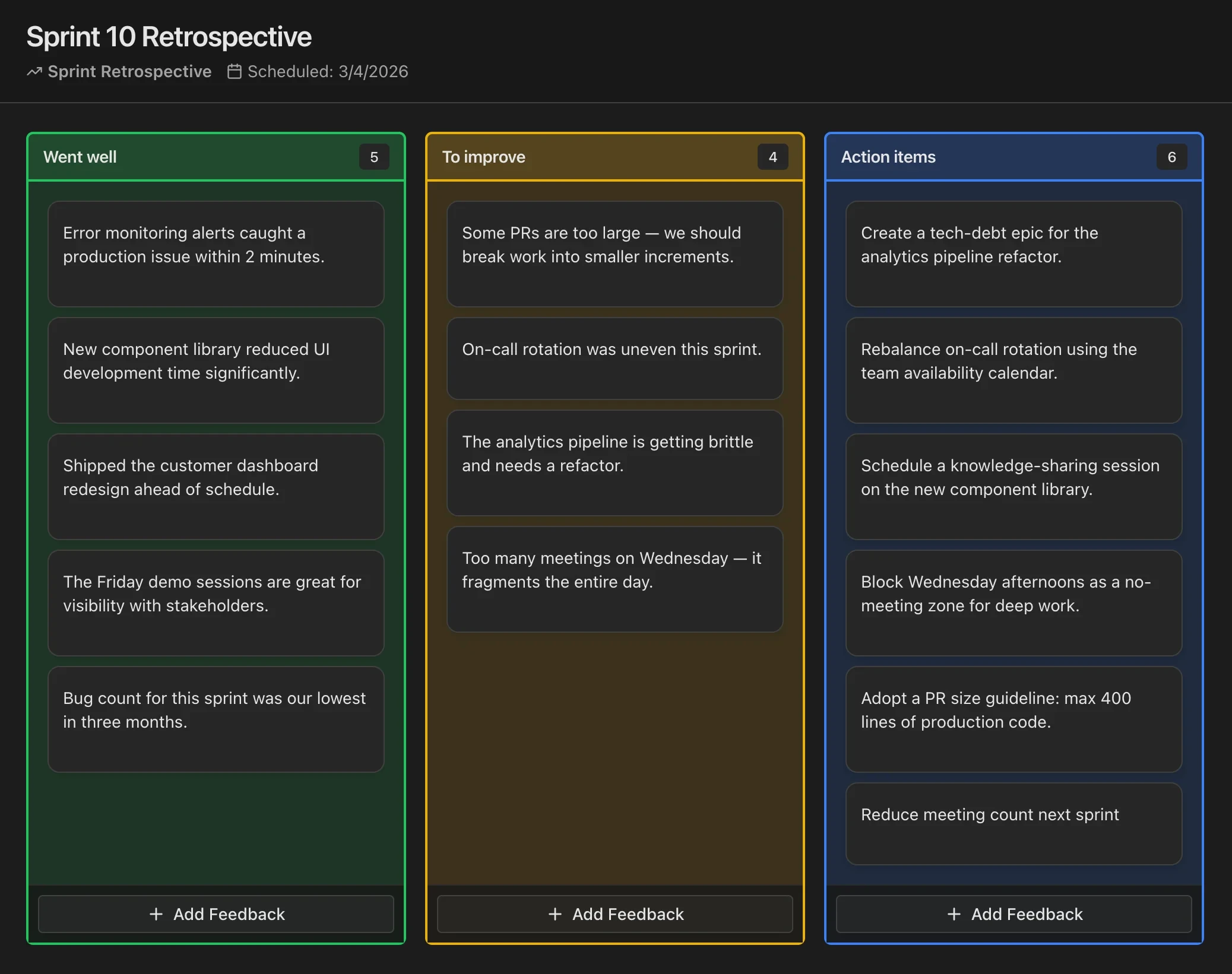
Run Retrospectives in CodeKudu
CodeKudu includes dozens of retrospective board templates, anonymous feedback, AI summaries, and action items that sync to GitHub Issues, Jira, and Linear.