

Start - Stop - Continue
Balance momentum and discipline by deciding what to add, drop, and keep doing.
Start
New habits, tools, or agreements the team should try next.
Stop
Practices that waste time, drain energy, or add risk—things to retire or replace.
Continue
What is already working and should stay part of how you work.
This board is for demo purposes only. Your responses are not saved. Close or refresh the page to clear all cards. Do not add any sensitive information.
What is Start - Stop - Continue?
Start - Stop - Continue is one of the foundational retrospective frameworks in agile and lean management. The format emerged from organizational change management practices in the 1980s and was popularized by Phil Daniels, a psychology professor at Brigham Young University, as a feedback tool. Agile practitioners adopted it in the early 2000s because it maps directly to the core question of continuous improvement: what should we change?
The three columns create a natural decision framework. "Start" captures new practices the team wants to introduce. "Stop" identifies behaviors, processes, or habits that are wasteful or counterproductive. "Continue" preserves what is already working. Together, these three categories force the team to think about change as a balanced portfolio—adding, removing, and sustaining—rather than an overwhelming list of complaints.
The format is particularly powerful because it inherently avoids the negativity trap. Teams must explicitly name things to continue, which reinforces positive practices. Meanwhile, the "Stop" column gives explicit permission to retire things that no longer serve the team, which can be liberating for teams drowning in accumulated process debt.
When to use Start - Stop - Continue
This format excels when a team feels overloaded with processes and needs to prune. If your team has accumulated ceremonies, reports, or approvals that nobody questions but everyone resents, the "Stop" column creates a safe space to challenge the status quo. It is also ideal for teams transitioning between project phases—finishing one initiative and kicking off another—because it forces a deliberate reset of working agreements.
Teams of four to eight people get the most value, as the format generates enough diversity of opinion without becoming unwieldy. For smaller teams of two to three people, the discussion can feel forced; for larger groups, consider breakout sessions. Use this format every four to six sprints as a complement to your default retro format to keep working agreements fresh.
Avoid this format immediately after an incident or crisis, when emotions are high and people need to process feelings before jumping to action. In those situations, an emotional format like Mad Sad Glad is a better starting point.
How to facilitate Start - Stop - Continue
Open with a brief context-setting exercise. Remind the team of the sprint goal, key metrics, and the outcome of previous action items. This grounds the discussion in shared reality rather than individual perception. Then provide five minutes of silent brainstorming where each person writes cards for all three columns.
Read through the cards column by column, starting with "Continue" to establish a positive foundation. Group duplicates and let the author briefly explain each card. Move to "Stop" next—this is where facilitation matters most. Ensure discussions focus on practices and processes rather than people. If someone says "stop micromanaging," redirect to "stop requiring approval for every pull request" to make it systemic.
Finish with "Start" to end on a forward-looking note. For each column, dot-vote to surface the top priorities. Then convert the top-voted items into commitments: one practice to start, one to stop, and one to explicitly protect. Write these on a team charter or working agreement document that stays visible throughout the next sprint.
Tips for getting the most out of Start - Stop - Continue
The most common failure mode is when "Start" becomes a wish list of things the team has no capacity to actually begin. Be disciplined about feasibility—if a proposed start requires budget approval or organizational change, acknowledge it and park it for a separate conversation. Focus on starts that the team can enact autonomously within the next sprint.
Another pitfall is the "Continue" column becoming a throwaway exercise where people list obvious things nobody would actually stop. Push for specificity: instead of "continue good communication," try "continue the Monday async standup in the #dev channel with the three-question format." Specificity makes the commitment real and reviewable.
Balance is critical. If one column dominates the discussion, it signals a deeper issue. An overwhelming "Stop" list suggests accumulated process debt. A thin "Start" list may indicate the team is in survival mode and lacks energy for experiments. Use these signals diagnostically to adjust your facilitation approach in future retros.
Variations and adaptations
For remote teams, consider running this retro asynchronously over two days. On day one, everyone adds cards to a shared board. On day two, hold a 30-minute synchronous session focused exclusively on voting, discussion, and commitment. This approach respects deep work time while maintaining collaborative decision-making.
For larger organizations running cross-team retros, use a modified version where each team pre-selects their top item from each column. Representatives then bring these to a combined session, creating an organizational-level Start-Stop-Continue that surfaces systemic issues like shared tooling gaps or cross-team dependency friction.
A popular variation adds a fourth column: "More Of" or "Less Of" to capture practices that should be adjusted in intensity rather than completely started or stopped. This creates a five-point spectrum similar to the Starfish format. Another adaptation for new teams is to add a "Questions" column for things that are genuinely unclear—this surfaces knowledge gaps and onboarding issues that might otherwise go unspoken.

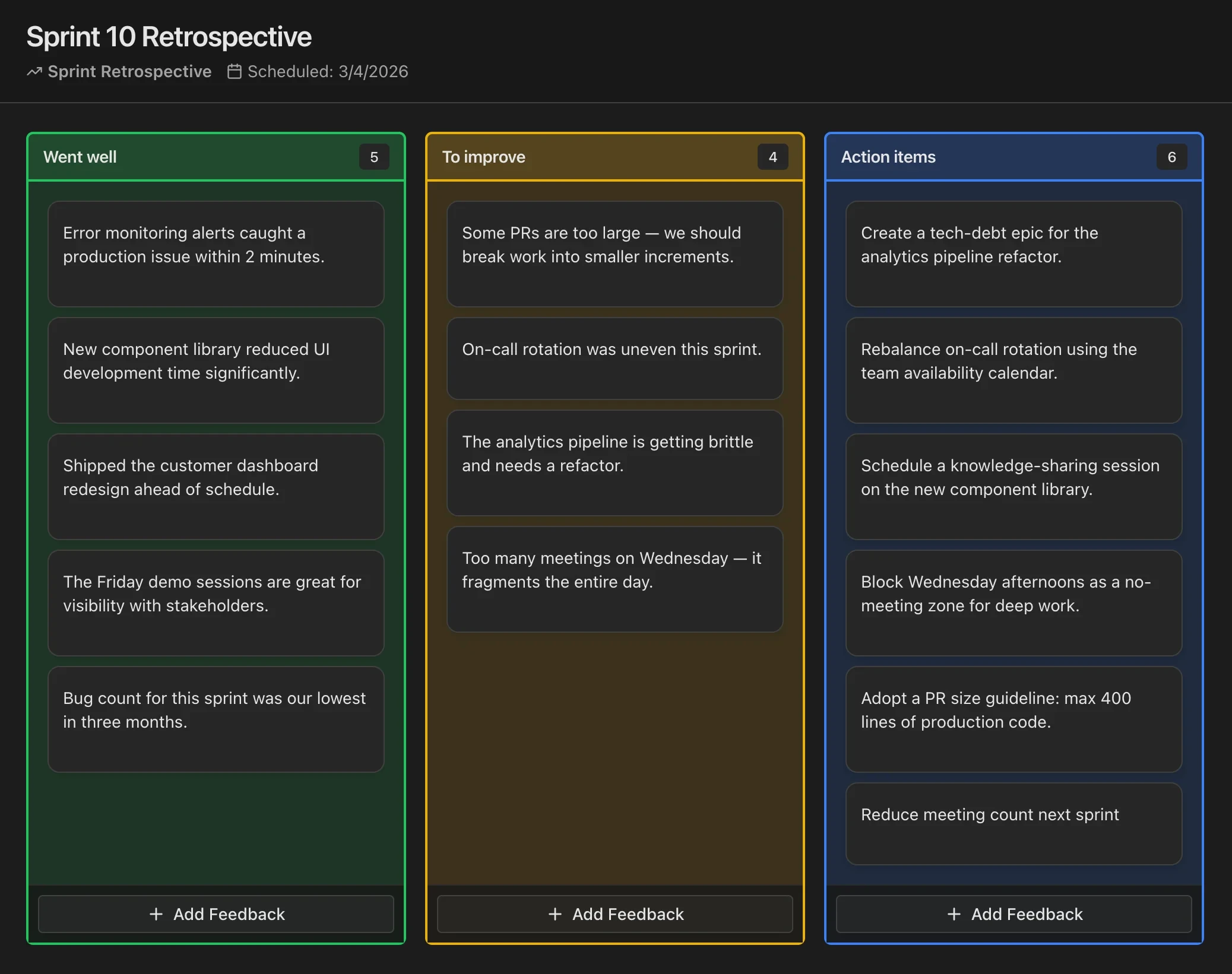
Run Retrospectives in CodeKudu
CodeKudu includes dozens of retrospective board templates, anonymous feedback, AI summaries, and action items that sync to GitHub Issues, Jira, and Linear.